INQUIRY
Leave Your Message
0%

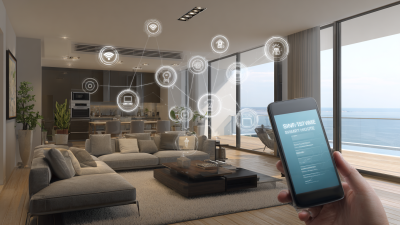
In the fast-changing world of Smart Home tech, theTuya Control Panelreally stands out as a key tool. John Smith, a well-known expert in smart home setup, points out, "The Tuya Control Panel is changing the way we manage our devices." That pretty much captures how important easy-to-use and intuitive interfaces are becoming these days.

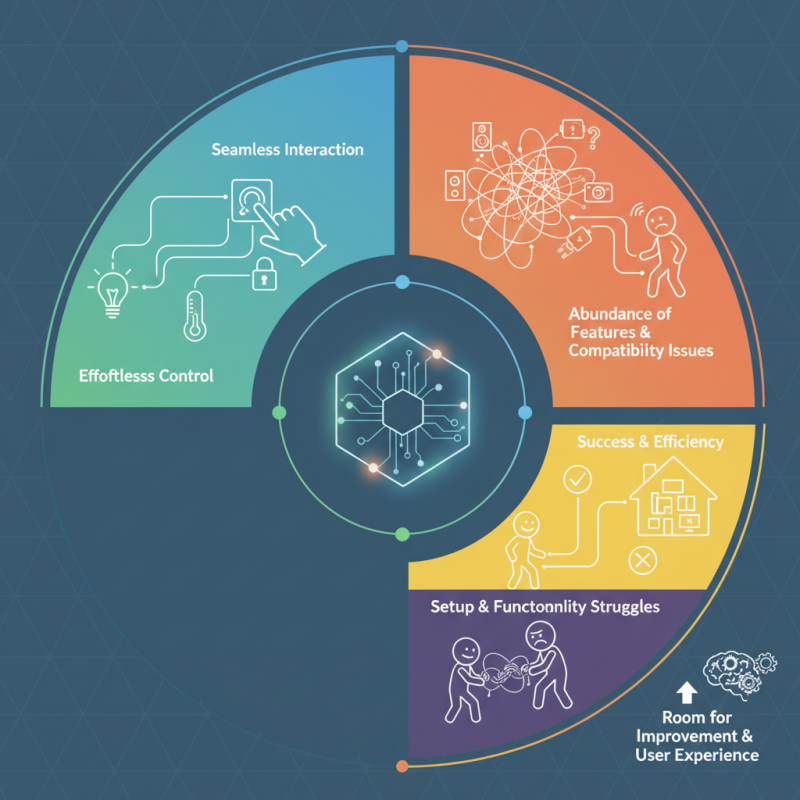
The Tuya Control Panel makes it pretty simple for folks to get their connected devices working together. With its clean and straightforward layout, managing things like lights, security cameras, and temperature is usually a breeze. But, of course, it’s not all sunshine and rainbows—some users might feel a bit lost. There are so many features that it can get a little overwhelming, and that shows there’s definitely a need for better guidance or tutorials. Plus, the whole compatibility thing can be a headache—getting all your devices to play nicely isn't always easy.

People have mixed reviews — some rave about how well it works, and others get frustrated during setup or when features don’t do exactly what they expect. This kind of back-and-forth tells us there’s still some room to improve the user experience. At the end of the day, the goal is to make our lives easier with tools like this, but it’s also important for folks to approach it with a bit of patience and curiosity—it's all about finding that sweet spot between excitement and caution.
What is Tuya Control Panel and How Does It Work?

What is Tuya Control Panel?

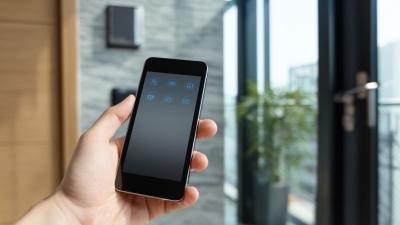
The Tuya Control Panel is a central hub designed for managing smart devices. It simplifies the smart home experience. Users can monitor and control lights, security systems, and appliances from a single interface. This control panel supports various protocols, ensuring seamless integration with numerous devices. A 2022 industry report indicated that over 70% of smart device owners prefer centralized management for ease of use.

Setting up the Tuya Control Panel is straightforward. Users can download the app, connect their devices, and start controlling everything from their smartphones. This flexibility enhances user experience significantly. However, some users complain about connectivity issues. These problems can arise from weak Wi-Fi signals or device compatibility. Ensuring a stable connection is crucial for optimal performance.

**Tip:** Regularly update your devices and the control panel app. This can improve connectivity and add new features. It's also wise to explore community forums for tips on troubleshooting common issues. Remember, while technology simplifies life, occasional hiccups may require patience and understanding.

What is Tuya Control Panel and How Does It Work?

Feature Description Benefits Use Cases
Device Management Allows users to control and configure Smart Devices. Centralized control for multiple devices. Home Automation, security systems.
User Interface Provides a user-friendly dashboard for easy navigation. Improved user experience and accessibility. Smart home applications, temperature control.
Automation Rules Create automation rules based on user preferences and schedules. Enhances convenience and energy efficiency. Lighting control, home security alerts.
Integration Integrates with various third-party services and platforms. Expands functionality and compatibility. Voice assistants, energy management systems.
Security Features Offers security settings for safeguarding user data. Ensures data privacy and protects against unauthorized access. Remote monitoring and control of security devices.

Key Features of Tuya Control Panel

What is Tuya Control Panel and How Does It Work?

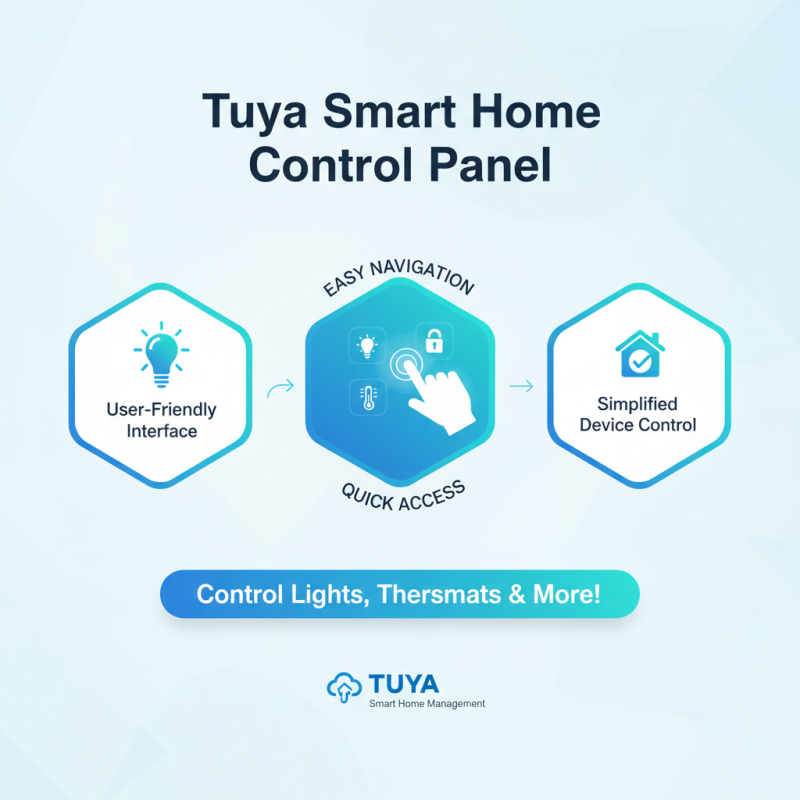
The Tuya Control Panel offers multiple features that enhance smart home management. One key feature is its user-friendly interface. Users can easily navigate through devices. Each device icon provides quick access to various functions. It simplifies controlling lights, thermostats, and more with just a few taps.

Another important characteristic is real-time monitoring. Users receive instant updates on device statuses. This allows for quick responses to any issues. Notifications can alert users about unusual activities. However, sometimes the notifications can be overwhelming. Users must customize settings to reduce unnecessary alerts.

Automation is also a standout feature. Users can set schedules and routines for devices. For example, lights can turn on at sunset. Thermostats can adjust temperatures based on occupancy. Yet, this freedom requires careful planning. Users should regularly review their automation settings for effectiveness. Simplification can often lead to unexpected complications.

How Tuya Control Panel Integrates with Smart Devices

The integration of smart devices with control panels has transformed how users manage their homes. The Tuya Control Panel, at the center of this evolution, connects seamlessly with various smart devices. According to a recent report by MarketsandMarkets, the IoT market is projected to grow to $1.1 trillion by 2026. This shows a significant increase in device integration capabilities, which highlights the demand for intuitive control solutions.

The Tuya Control Panel allows users to connect devices via the Tuya Zigbee Gateway. This gateway serves as a bridge between devices, enabling them to communicate effectively. However, many users report occasional connectivity issues. This presents a challenge, as consistent performance is crucial for smart home environments. Real-time monitoring features could improve reliability but require continuous updates to the network infrastructure.

While the Tuya Control Panel works well with many devices, user experiences can vary. Some may find the interface less intuitive than expected. A survey by Statista indicated that 30% of users encounter difficulties with setup and configuration. This inconsistency can affect user satisfaction. The challenge lies in improving the user experience while ensuring optimal connectivity across all devices. Balancing these aspects is vital for the future of smart home technology.

Step-by-Step Guide to Setting Up Tuya Control Panel

Setting up a control panel can seem daunting for many users. However, with the right approach, it becomes manageable. Start by ensuring your device is connected to the internet. According to industry reports, over 70% of smart device users prioritize connectivity for seamless control. Once connected, access the control panel through a web browser or dedicated app.

Follow the prompts to create an account. This usually requires an email address and password. Keep it simple; use a password manager if needed. Industry data indicates that nearly 60% of users often forget their passwords, which can lead to frustration. After account creation, you’ll need to link your devices. Be patient; this process sometimes requires several attempts.

Once your devices are linked, customize the settings to fit your needs. Adjusting preferences like notifications and schedules can enhance your experience. Some users report confusion here, as options can be overwhelming. Take it step by step; don’t rush the setup. Remember, the goal is to create a system that works efficiently for you, not one filled with complications.

Understanding Tuya Control Panel User Interface

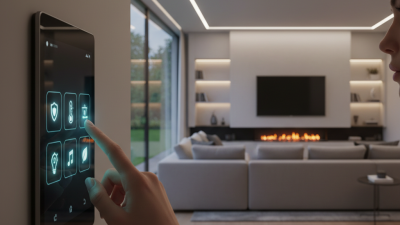
The Tuya Control Panel user interface is designed for simplicity. Users can access different functionalities effortlessly. The layout is intuitive, helping users navigate through controls easily. Various icons represent different features. This visual approach aids understanding.

When using the Tuya Control Panel, remember to customize your dashboard. Personalizing your view might enhance usability. It allows you to prioritize the devices you use most. This small change can save time and reduce frustration.

The Tuya Gateway plays a crucial role in managing connected devices. Understanding each section of the control panel helps in effective device management. Don’t rush through the setup. Take your time to explore each function fully. This exploration can uncover features you might initially overlook. You may find some settings confusing at first. Refine your approach as needed. Adjustments can lead to better control and efficiency.

Common Issues and Troubleshooting Tips for Tuya Control Panel

The Tuya Control Panel is a powerful tool for managing smart devices. While it offers great features, users often encounter issues that can hamper their experience. A common problem is connection failure. This can happen if the Wi-Fi signal is weak or unstable. Ensure your devices are within range of the router. Restarting the router can sometimes resolve connectivity issues.

Another issue is synchronization delays. Users may notice that their devices respond slowly or not at all. This could be due to outdated firmware. Regularly check if updates are available for your Home Automation Control Panel. If the app becomes unresponsive, consider clearing the cache or reinstalling it.

Device configuration errors can also arise. Sometimes, settings may not save properly. Double-check all configurations and ensure they align with your smart devices. If problems persist, consulting the help section within the app can provide additional troubleshooting tips. Adapting to technology can be tricky, and small oversights can lead to bigger headaches.

Benefits of Using Tuya Control Panel for Home Automation

What is Tuya Control Panel and How Does It Work?

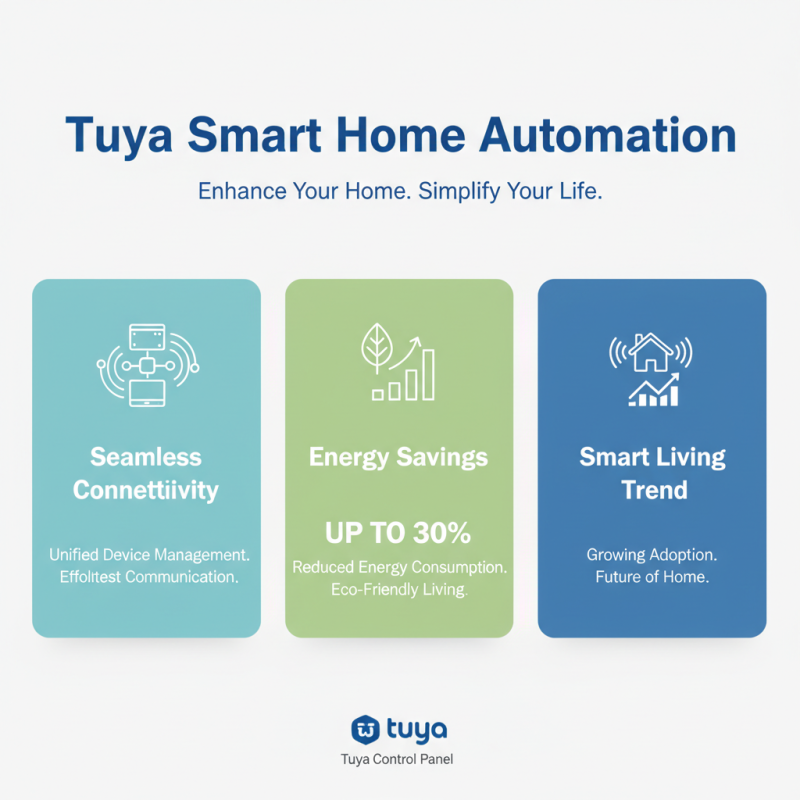
The Tuya Control Panel is a powerful tool that enhances home automation. It helps users manage various smart devices efficiently. One key benefit is seamless connectivity. This integration allows different devices to communicate, creating a harmonious smart home environment. According to industry reports, implementing smart home solutions can lead to energy savings of up to 30%. Such statistics indicate the growing trend toward automation.

Another significant advantage is user-friendly interfaces. Many devices can be managed through a single platform. This convenience simplifies daily routines, making life easier for users. Traditional setups often require multiple apps. In contrast, a centralized control panel like this streamlines the user experience. Additionally, it supports features like Background Music Control Panel, allowing users to manage audio settings from one place.

Moreover, flexibility is crucial. As more devices emerge, the control panel must adapt. Companies need to address this challenge continually. Maintaining compatibility with new products is essential in a rapidly evolving market. Nonetheless, users may encounter difficulties in setup or integration. Continuous updates and user feedback can help overcome these issues. As technology evolves, so does the need for reliable home automation solutions.

Transform Your Home Comfort with the All-in-One HVAC Smart Panel: A Comprehensive Guide to Modern Climate Control

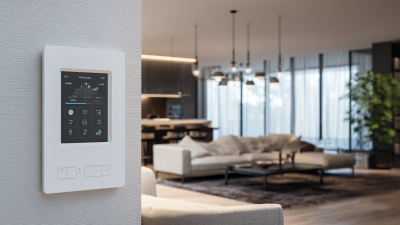
Creating a comfortable indoor environment has become a priority for many homeowners, especially as climate control technologies advance. The All-in-One HVAC Smart Panel stands out with its integrated approach to climate management by combining air conditioning, floor heating, and fresh air control into a single device. According to industry reports, the adoption of smart thermostats and HVAC controls can lead to energy savings of up to 15% per year, making efficient climate control not just a comfort but also a cost-effective solution.

The intelligent regulation capabilities of this smart panel are a game-changer. Equipped with temperature and humidity sensors, it provides precise measurements and adjusts settings for optimal comfort. This ensures that homes maintain a consistent temperature, which studies have shown can enhance overall well-being and productivity. The sophisticated design elements, such as the diamond-cut knob and AG matte glass, not only add a touch of elegance but also improve user interface, making temperature adjustments more intuitive.

Moreover, the panel's installation adaptability allows it to fit seamlessly into existing structures, particularly with compatibility with 86*86mm Asian standard back boxes. As homeowners increasingly seek convenience and energy efficiency, products that combine advanced technology with aesthetic appeal are becoming indispensable in modern home design. Embracing such innovations in climate control not only enhances comfort but also supports sustainable living practices by minimizing energy waste.

FAQS

: What is the main purpose of this product?

: The main purpose is to enhance daily productivity and simplify tasks.

How do I use it effectively?

Start by following the user guide. Experiment with different features to discover what works best.

Are there any specific features I should focus on?

Yes, prioritize the main functionalities that suit your needs. Don’t overlook the small tools; they can be helpful.

What should I do if I encounter issues?

Troubleshoot by consulting the FAQ section. If unresolved, reach out to support for guidance and solutions.

Can I modify or customize this product?

Yes, customization options are available. Try out various settings to see what enhances your experience.

Is there a learning curve?

There may be a slight learning curve. Don’t rush; take time to explore and understand different components.

How often should I maintain it?

Regular maintenance is advised. A monthly check-in generally keeps everything running smoothly.

What if I don’t find it useful?

Reflect on how you are using it. Sometimes, adjusting your approach can lead to better results.

Can I share my experience with others?

Absolutely! Sharing insights can help others discover new ways to use the product effectively.

What if it doesn’t meet my expectations?

Consider what specific aspects are lacking. Feedback is invaluable for improvement, both personally and for products.

Conclusion

The Tuya Control Panel is a powerful interface designed to manage and automate smart home devices seamlessly. It offers key features such as real-time device monitoring, customizable automation schedules, and remote control capabilities, enhancing user convenience and efficiency. By integrating with a variety of smart devices, the Tuya Control Panel allows users to create unified experiences across their home automation systems.

Setting up the Tuya Control Panel is straightforward with a step-by-step guide that walks users through the process, ensuring a smooth experience from start to finish. The user interface is intuitive, making it easy for users to navigate and manage their devices. Additionally, common issues are addressed through comprehensive troubleshooting tips, allowing users to resolve problems quickly. Overall, using the Tuya Control Panel significantly benefits homeowners by simplifying the management of their smart devices, promoting an enhanced home automation experience.
Lila

Lila

Lila is a professional marketer at Shenzhen X-focus Co., Ltd. (AISpeaker), a leading smart home panel manufacturer and a top-tier industrial-trade integrated supplier in China. With a strong focus on research and development, Lila possesses an in-depth knowledge of the company's innovative......
Previous 7 Smart Home Assistant Tips to Enhance Your Daily Living Experience